

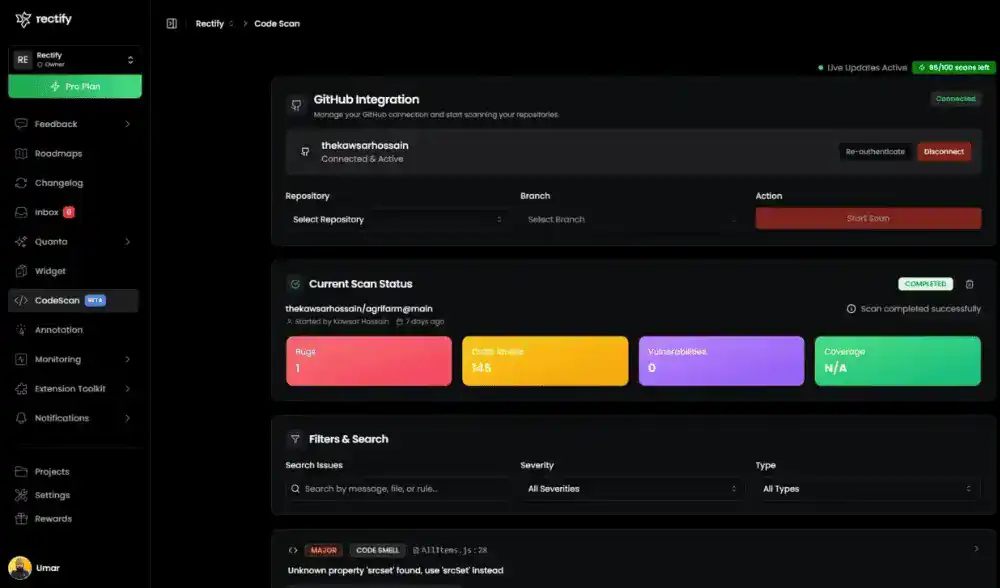
Rectify is an AI-powered development platform that revolutionizes how teams build, debug, and maintain software by combining visual debugging, code quality scanning, uptime monitoring, and customer communication into one seamless workspace designed for the modern development era.
AI-Powered Session Replay & Visual Debugging
Say goodbye to vague bug reports and endless reproduction attempts. Rectify offers two powerful visual debugging options: internal debugging through the Chrome extension for your development team, and external debugging through the integrated widget for end-users and customers.
Both capture complete session recordings with automatic collection of console logs, network requests, and JavaScript errors that developers need to diagnose problems fast.
Feedback Widget for Seamless Customer Communication
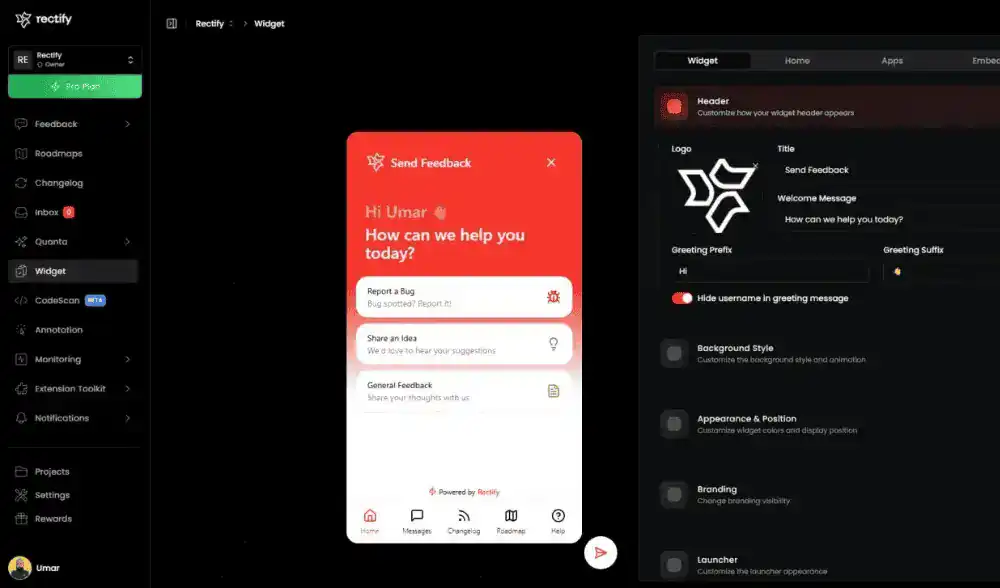
Empower your users to report bugs effortlessly with Rectify’s integrated feedback widget that embeds directly into your application. When customers encounter problems, they can instantly capture what’s happening without leaving your product or switching to email. The widget provides a frictionless bug reporting experience that dramatically increases the quality and quantity of reports you receive.
Users can record their sessions showing exactly what went wrong, use annotation tools to highlight, circle, and mark specific elements on screenshots, and attach Loom videos that tell the complete story with audio narration. The widget automatically collects technical data including console logs, network requests, and browser details that developers need, eliminating the back-and-forth of asking users for more information.
Chrome Extension for Vibe Coders
Built for developers who ship at AI speed. Rectify’s Chrome extension is designed for the Vibe Coding era, whether you’re building with Lovable, Replit, Bolt, V0, or any AI coding assistant. When you’re generating features faster than traditional workflows ever allowed, the extension keeps pace by bringing debugging and documentation tools directly into your browser without breaking flow state.
Catch bugs as fast as AI writes them. Record debugging sessions with automatic capture of console logs, network requests, and runtime errors. Use annotation tools to highlight issues in AI-generated code and seamlessly integrate with the session widget for unified debugging across contexts.