


Low-res images got you zooming in on disappointment?
Whether you’re restoring old family portraits or improving product photos, standard tools either blur the details or break the bank.
If only there was a fast, high-quality way to enhance images in bulk without needing Photoshop skills.
*Nero AI Image Upscaler is available for Windows only.*
Table of Contents
Restore old and damaged images with Nero AI Image Upscaler
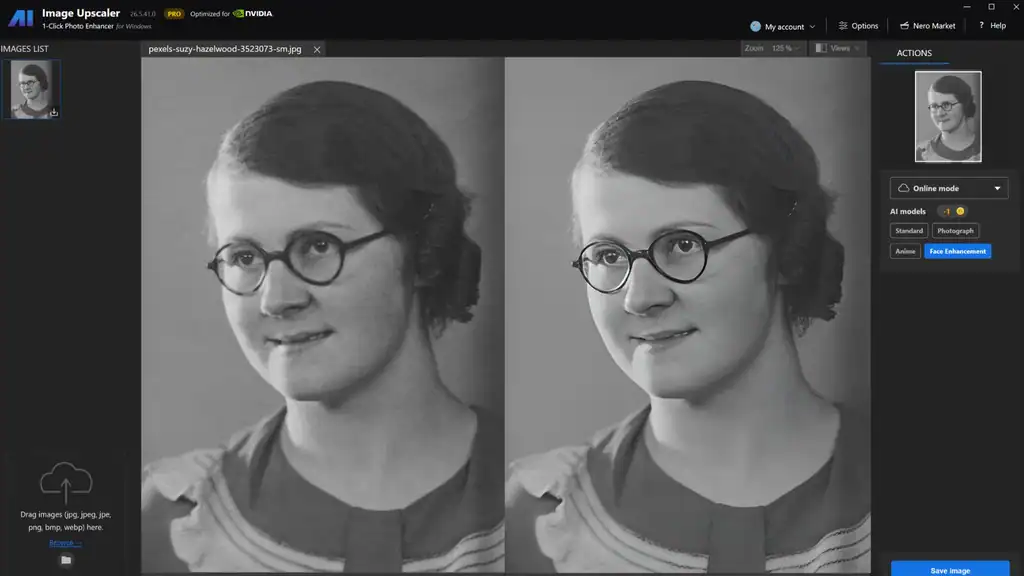
Bring old or blurry photos back to life using AI-powered restoration that sharpens edges and fills in missing details.
- Fix facial features in portraits for more lifelike results
- Recover clarity in vintage or low-res images with AI-trained enhancement
- Smooth and sharpen without introducing noise or weird artifacts
Enhance every detail
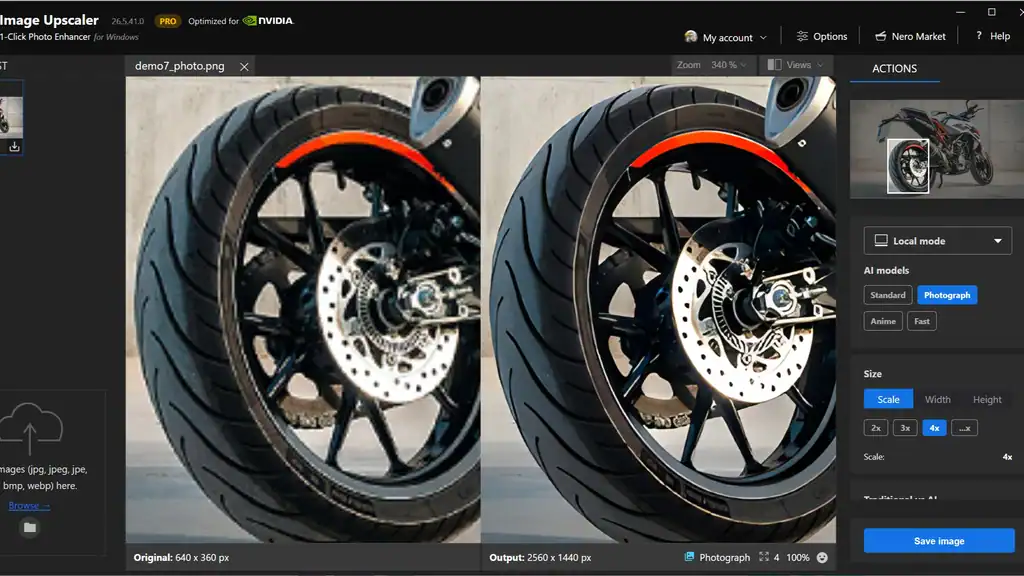
Nero supports 2x, 3x, or 4x upscaling with noise reduction, edge enhancement, and texture clarity to make every pixel count.
- Choose from 5 AI models: Standard, Cartoon, Photo, Fast, and Face Enhancement
- Select scale & resolution settings for precise control
- Apply to illustrations, product photos, or snapshots with model-specific tuning
Improve facial clarity
Use the Face model to correct blur, clean up compression, and highlight features in people-focused shots.
- Automatically detects faces in group photos or portraits
- Restores sharpness in expressions, hairlines, and textures
Image enhancement shouldn’t mean pixelated edges or tedious edits.
With Nero AI Image Upscaler, you’ll fix, upscale, and restore photos in seconds—no design skills required.
Get Lifetime access to Nero AI Image Upscaler.