

You wanted to try something new with your WordPress site.
But after a few new features and one experimental widget (we never speak of the glittery blinking cursor again), you’re ready to give it another try.
We’re hitting reset on a deal that lets you install, uninstall, and recover sections of your WordPress site faster than you can say “Ruh-roh.”
Say hello to WP Reset.
WP Reset is a WordPress plugin that collectively installs themes and plugins, resets defaults, and takes snapshots of your website.
Table of Contents
Do a complete reset of your site in seconds with WP Reset
It lets you restore everything to default values without reinstalling WordPress or doing it all manually.
You can even reset or delete select portions of your site to debug or streamline in record time, including removing all those unused widgets slowing you down.
Get rid of all those pesky theme options and old content for a super fast rebrand.
You’ll also be able to completely rebrand the plugin and impress your clients—logo, colors, name, and all—without touching a line of code.
Snapshots for Safe Rollbacks
Now that your site is all squeaky clean, it’s time to dress it up how you’ve always imagined.
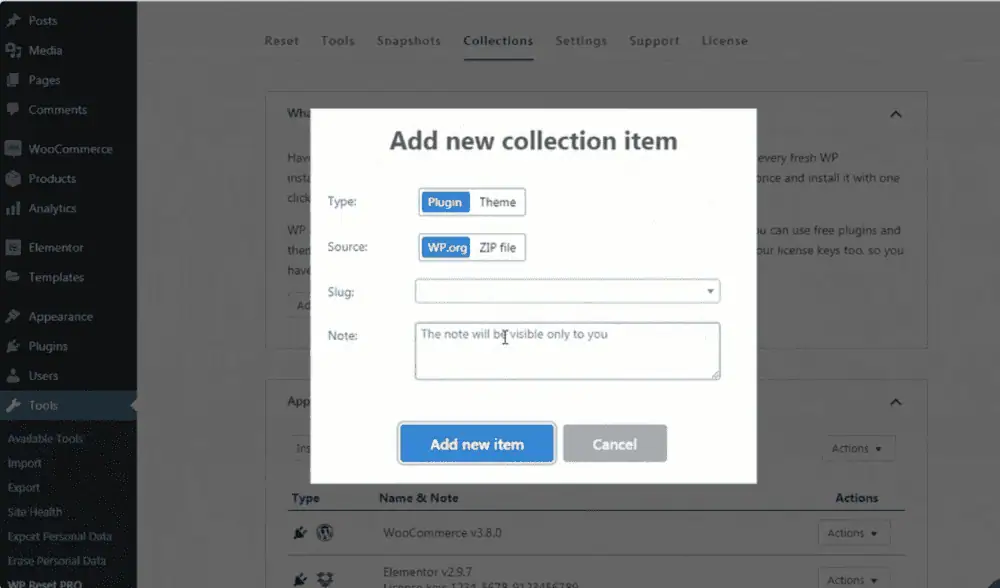
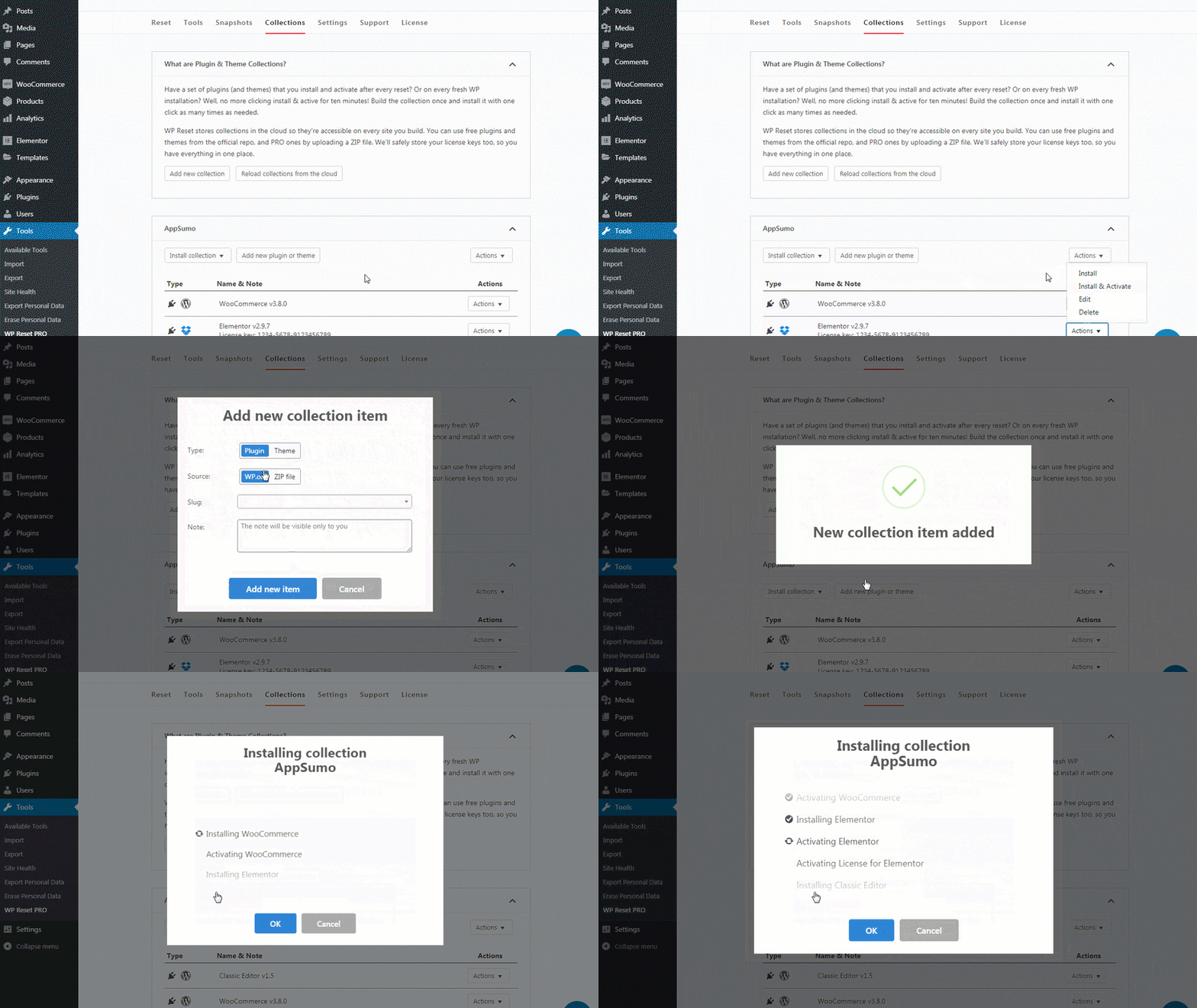
Set up a development environment with Collections, a feature that lets you create a set of plugins and themes to bulk-install and activate from the cloud.
WP developers will love how easy it is to get the design right, every time.
And if you already use MainWP to manage your sites, enable the WP Reset MainWP Extension to get even faster results.
WP Reset is also prepared for life’s little whoopsie-daisies (or big whoopsie-daisies, depending on who you ask).
Take a Snapshot of the site to store a copy of the current version to easily return to if need be.
You can also automate the process by letting WP Reset automatically take Snapshots depending on certain actions and events.
These Snapshots are stored in WP Reset Cloud, Dropbox, Google Drive, or pCloud, so you’ll always have a copy waiting for you.
Get lifetime access to WP Reset