



Analyzing your marketing data shouldn’t feel like throwing darts in the dark. (“Did I hit the targeted ROI?”)
Since your data is spread across platforms, you’re stuck manually updating everything with less time to interpret insights and keep clients up to date.
If only there was an app that lets you import data from all your marketing platforms directly into Google Sheets, so you can focus on what matters—analyzing and optimizing your campaigns.
Meet Uniquery.
Uniquery helps marketing agencies and brands import marketing data into Google Sheets to generate insights and reports for clients.
Table of Contents
Connect your data sources
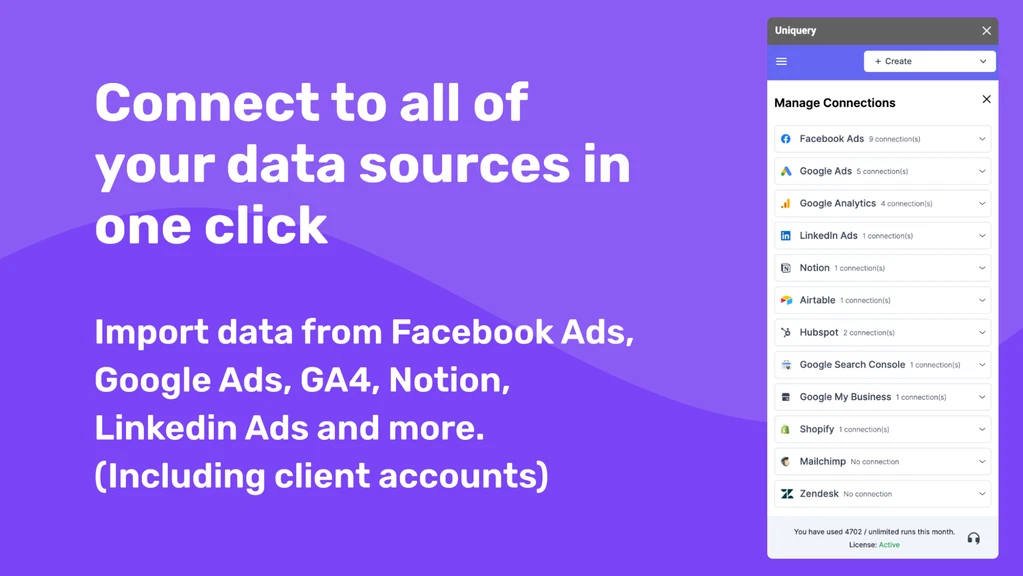
Uniquery lets you import all your marketing data sources into Google Sheets to centralize and update key insights.
- Import campaign data from Facebook Ads, Google Ads, and LinkedIn Ads
- Analyze key metrics from Google Analytics and Google Search Console
- Sync with marketing tools like HubSpot, Mailchimp, Shopify, Zendesk, and Stripe
Connect to all of your data sources in Google Sheets
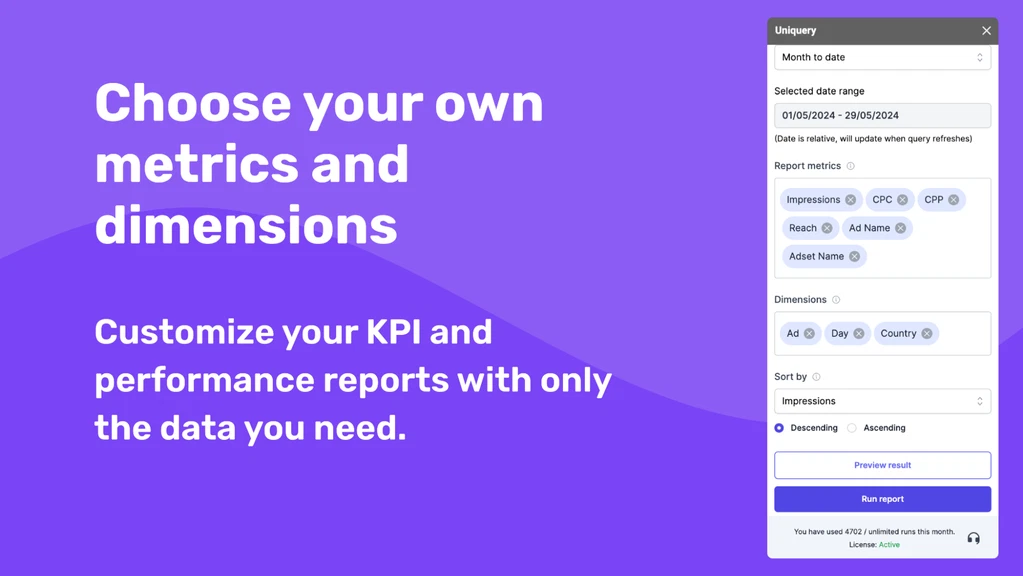
In just a few clicks, you can customize KPI and performance reports based on the metrics and dimensions that matter most to your business.
- Choose from 1000+ metrics and dimensions across multiple data sources
- Build reports tailored to your campaigns for accurate and relevant insights
- Select custom date ranges for up-to-date and context-driven analysis
Stay on top of marketing data
Even better, the scheduled refresh feature lets you update your data on an hourly, daily, or weekly basis.
- Get real-time insights without manual updates
- Manage campaigns across multiple client accounts with confidence
- Automatically share the latest data with clients for full transparency
Get lifetime access today!