Sharing your screen can feel like giving a big presentation in your underwear—you’re just one wrong click away from exposing something you shouldn’t.
Imagine if you could hide confidential info as it appears, turning potential moments of panic into complete non-issues.
Make way for Safe Screen Share
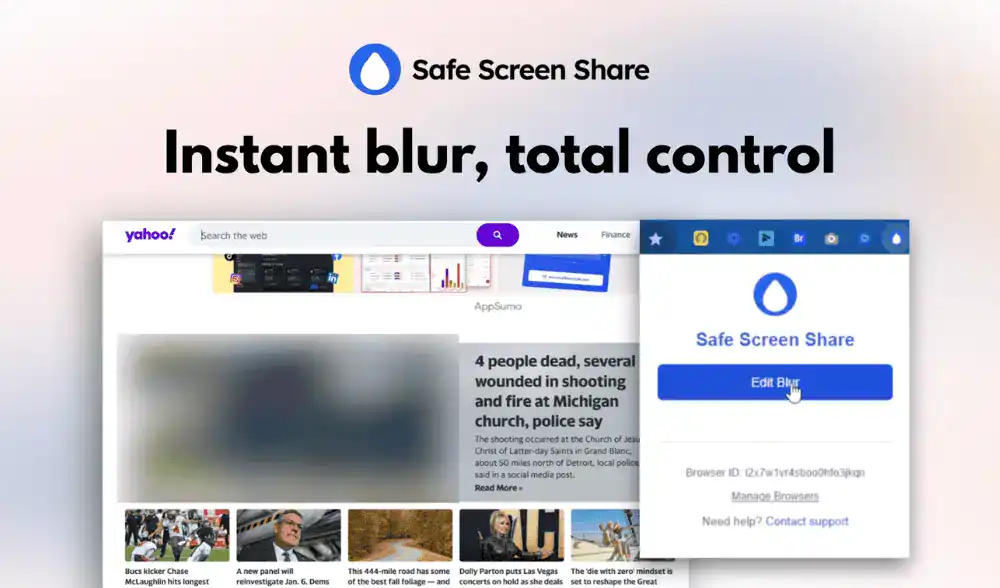
Safe Screen Share is a privacy-focused browser extension that allows you to hide confidential data with a single click, helping you protect sensitive information and maintain a professional appearance during any screen share.
You’re in the zone, nailing a live demo for that big client, when you see it slide into the corner of your screen: a Slack notification from your coworker.
Is it an innocent question about lunch, or is it the message where you were both complaining about this exact project?
For a split second, your heart stops. You stammer, your train of thought derails, and you frantically try to dismiss it before anyone notices.
But it’s too late. The damage is done.
What if you had a magic undo button for your live screen?
Introducing Safe Screen Share’s One-Click Blur
See a notification, a personal photo, or a sensitive line of text you don’t want to share? Simply move your mouse over it and click. Instantly, it’s hidden behind a discreet blur.
There’s no pausing your presentation, no fumbling to stop the share, and no awkward apologies.
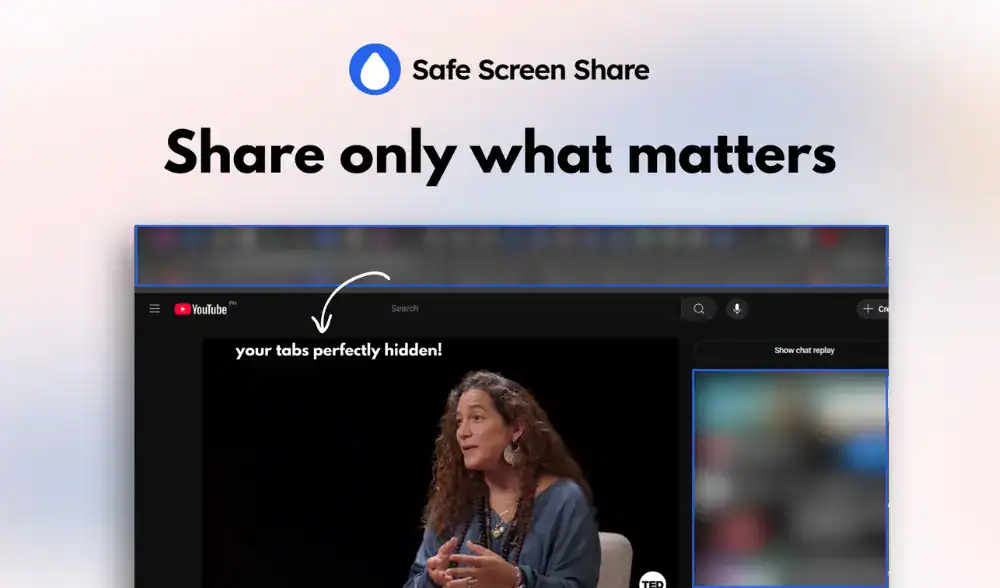
Reacting to a rogue notification is one thing. But what about the sensitive info that’s already sitting on your screen before you even click “share”?
You know the drill. You perform the awkward “window dance,” carefully resizing your browser to crop out your messy bookmarks bar.
Or you spend 20 minutes creating a “safe” static screenshot of your dashboard because showing the live version is too risky.
It’s a presentation killer.
- It’s clumsy and inflexible: The moment a client asks to see something you’ve cropped out, you’re forced to stop, resize, and look completely unprepared.
- It’s distracting: A screen full of irrelevant tabs—from “Q4 Financials” to “Best taco recipes”—pulls your audience’s focus away from your core message.
- It’s time-consuming: Your valuable prep time shouldn’t be wasted on manually hiding information.
Safe Screen Share gives you the power to proactively curate the perfect viewing experience before your meeting even begins.
- Blur an Entire Area: Got a whole column of client names or a sidebar of confidential project details? Don’t just hide one—hide them all. Simply draw a rectangle over the entire section to instantly redact it from view.
- Hide All Tab Titles: Turn browser chaos into clean simplicity. One click is all it takes to hide the titles and icons of all your other tabs, keeping your audience focused and your multi-tasking habits private.
Adjust the Blur Intensity with Safe Screen Share: Not all secrets are equal. Dial the blur from a light, subtle masking to a heavy, completely unreadable block of pixels. You get to decide the exact level of privacy for any situation.