








Check microthemer, tools like Gutenberg blocks and form plugins can help you build your WordPress site, but their rigid formats are pretty limiting. (“You can have it your way, but don’t get crazy.”)
Whether you’re looking to make a simple style adjustment that’s not on the menu or site-wide changes, there’s gotta be a way to do more.
Get the flexibility you need to style any WordPress content with a tool that offers a visual interface and AI assistant for designing like a pro, all those advantage with Microthemer.
Table of Contents
Microthemer is a WordPress CSS editor plugin that helps site builders at any level design like a pro with AI or point-and-click editing.
With the styling options, you can match your site to your vision and never sacrifice any control over design.
Choose from modern styles like animations, transitions, transforms, filters, flexbox, CSS shapes and CSS grid to web design essentials like typography, position, spacing, sizing, and backgrounds.
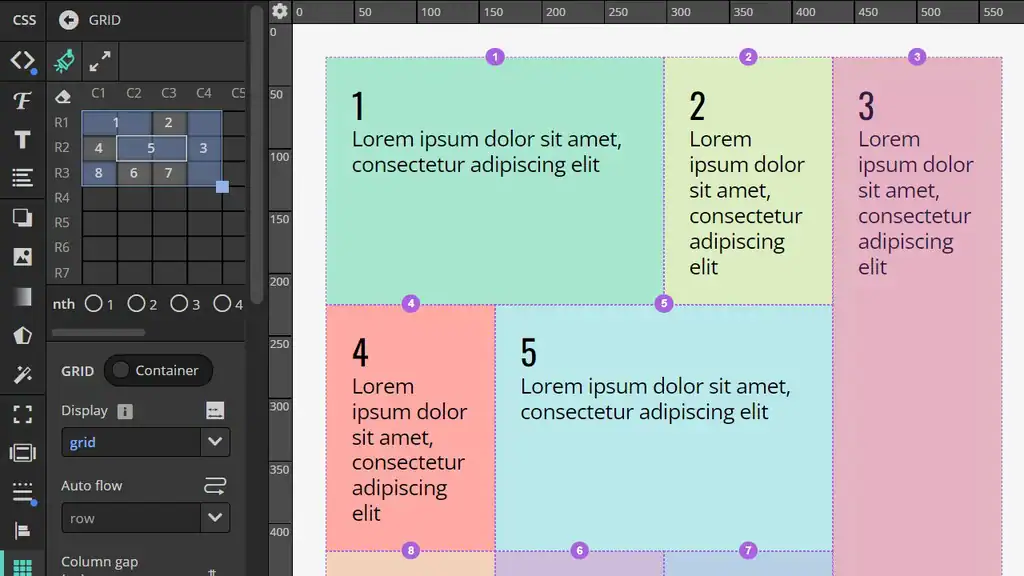
Microthemer’s CSS grid support allows you to create beautiful content layouts in seconds using drag-and-drop functionality.
For added convenience, you’ll be able to switch between the visual, code, and AI editor.
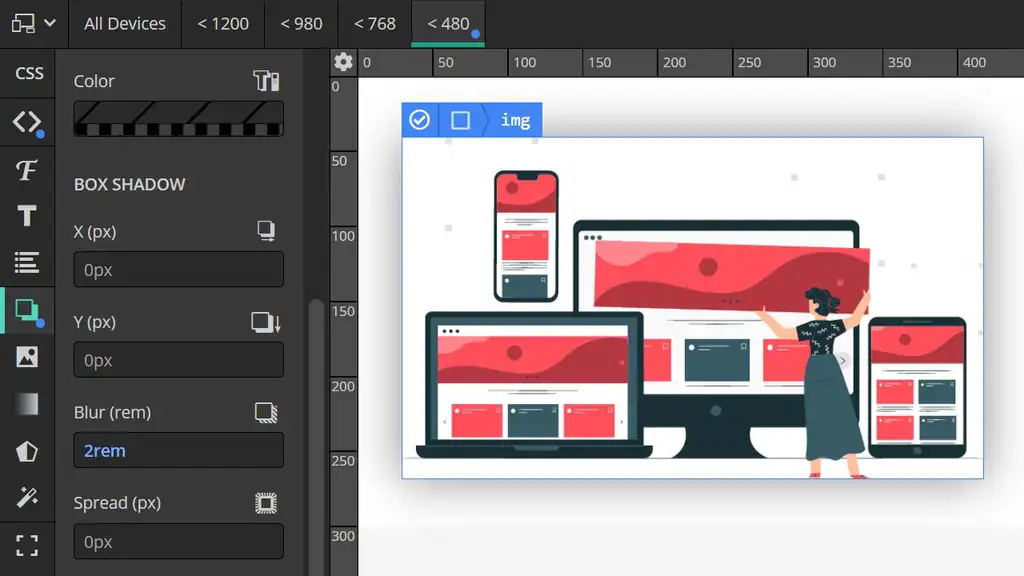
Microthemer takes the pain out of responsive design. Get started with common breakpoints with freedom to customize them to your needs.
You can use the responsive tabs or drag the top ruler to check out how your site looks on different screen sizes, and then fix any potential issues.
With this feature, you’ll be able to create pixel-perfect layouts on mobile. No need to settle for cropped text or strangely large spacing and headings!
You can literally style any WordPress content with Microthemer. It doesn’t matter how it was generated — if you can see it you can style it. So it’s compatible with all themes and plugins.
Furthermore, Microthemer has specific integration with a growing list of page builders. There are two types: shallow and deep integration.
Deep integration
This means you can load a builder inside Microthemer, and use both at the same time from a single browser tab. This is currently supported for Elementor, Beaver Builder, and Oxygen.
Shallow integration
This means you add content using a builder in one browser tab and style with it in another, but the tabs talk to each other so you don’t have to manually refresh the page to pull in content or style changes. This is currently supported for Divi, Bricks, Brizy, Zion and WP Page Builder.
If you rely exclusively on page builders to build sites, you might feel like you’re stuck at the kids table because you’re shielded from the code.
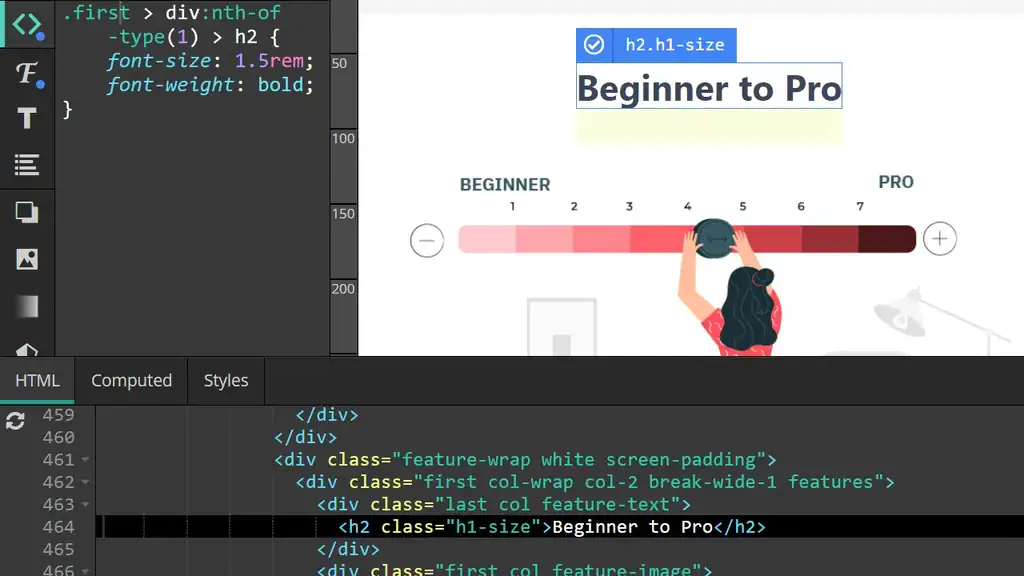
But Microthemer shows you exactly what it’s doing, and invites beginners to understand CSS, and how it relates to HTML. With that, you have full design control with the option to access the code, empowering you to graduate from beginner to pro.
And for advanced users, Microthemer’s innovative solution for compiling Sass code (SCSS) to CSS in an instant can supercharge your workflow.
Break creative barriers with Microthemer’s AI assistant. Whether you’re a beginner or a seasoned user, AI-generated styles and precise fine-tuning put advanced design control at your fingertips. Save time, experiment freely with instant undo, and harness powerful models that “see” the elements you’re working on.
Get Lifetime access to Microthemer.