Introduction to Canva
Canva is an innovative design platform that allows users to create a wide array of visual content without requiring extensive design skills.
Established in 2012 by Melanie Perkins, Cliff Obrecht, and Cameron Adams, Canva was conceived with the vision of democratizing design.
Its user-friendly interface empowers individuals, businesses, and organizations to produce professional-quality graphics, presentations, and marketing materials with ease.
Over the years, this tool has evolved significantly, adding an array of features and functionalities that cater to both novice and experienced designers.
The platform now boasts an extensive library of templates, stock photography, icons, and fonts, which facilitate the quick creation of visually appealing designs. This accessibility appeals particularly to non-designers who may feel overwhelmed by traditional graphic design software.
The drag-and-drop functionality allows users to manipulate elements intuitively, making the design process not only enjoyable but also efficient.
Features and Tools Available in Canva
Canva has established itself as a powerful resource for individuals seeking to create visually appealing content without needing professional design skills.
Drag-and-drop interface
One of its standout attributes is the user-friendly drag-and-drop interface, which offers intuitive functionality for all users, regardless of their background.
This design tool allows for seamless placement of elements on a canvas, enabling users to customize layouts with ease.
Extensive library of resources
Furthermore, Canva boasts an extensive library of templates, images, and fonts, catering to various design needs. The pre-designed templates range from social media posts to business presentations and marketing materials, thereby simplifying the design process.
Users can choose from thousands of stock photos, illustrations, and graphics to enrich their projects, ensuring that their designs are both unique and engaging. Additionally, the robust selection of fonts allows for consistent branding and creative expression, as users can find the perfect typography to align with their vision.
Collaboration capabilities
A notable feature of Canva is its collaboration capabilities. The platform allows multiple users to work on a design simultaneously, which is particularly useful for teams and group projects.
Real-time collaboration fosters a dynamic environment where feedback can be integrated instantaneously, enhancing the creative process.
It also encompasses specialized tools such as a photo editor, which enables users to enhance images through filtering and editing features, ensuring high-quality visuals.
Infographic maker
The infographic maker is another valuable tool that allows users to transform complex data into engaging graphics, ideal for presentations and reports.
Additionally, Canva’s animated presentations enable the creation of visually compelling slideshows that capture attention effectively.
Each of these features makes Canva an indispensable tool for non-designers aiming to create stunning designs effortlessly.
Free forever plan
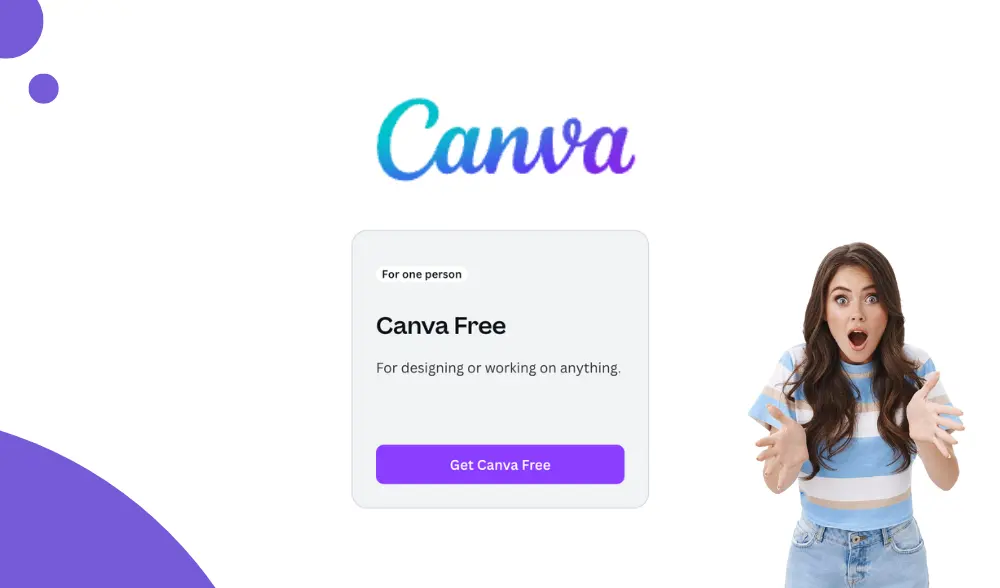
What’s in the Free Canva Toolbox?
Are you a budding Picasso or a digital nincompoop? Fear not! With Canva’s free plan, you can take a stab at graphic design without worrying about your bank account.
Canva offers an arsenal of tools that would make even the most seasoned designers take a second glance — all at no cost!
Templates Galore!
If you think starting from scratch is a ghastly task, let Canva’s vast library of templates come to your rescue.
From social media posts to stunning presentations, the selection is vast enough to make a buffet look stingy.
Just drop in your text, swap out some images, and voilà! You’re now the proud creator of eye-popping designs.
Collaboration Features That Don’t Drive You Mad
Have you ever tried teamwork and ended up in a creative wrestling match? With the free plan, collaboration features allow you and your team to work together seamlessly.
Share your designs with your bestie or a whole committee and watch as ideas flow like a well-aged wine. Plus, you get to assign roles, so no one accidentally turns your masterpiece into a horror show.
So, whether you’re designing for personal fun or trying to impress the boss (who probably doesn’t know the difference between a JPEG and a PNG), The free features have got you covered.
Dive into the world of creative possibilities where your imagination can run wild, all without costing a pretty penny!