
Vexp: Stop Paying for Tokens Your AI Coding Agent Wastes
Ever asked Claude Code, Cursor, or Codex to fix a simple bug — and watched it burn 15-20 tool calls just “reading” your project before writing a single line? That’s not intelligence, that’s an expensive guessing game. And you’re the one footing the bill.
Vexp is the local context engine that turns your AI agent from “a flashlight” into “a full map” of your codebase.
What does it actually do?
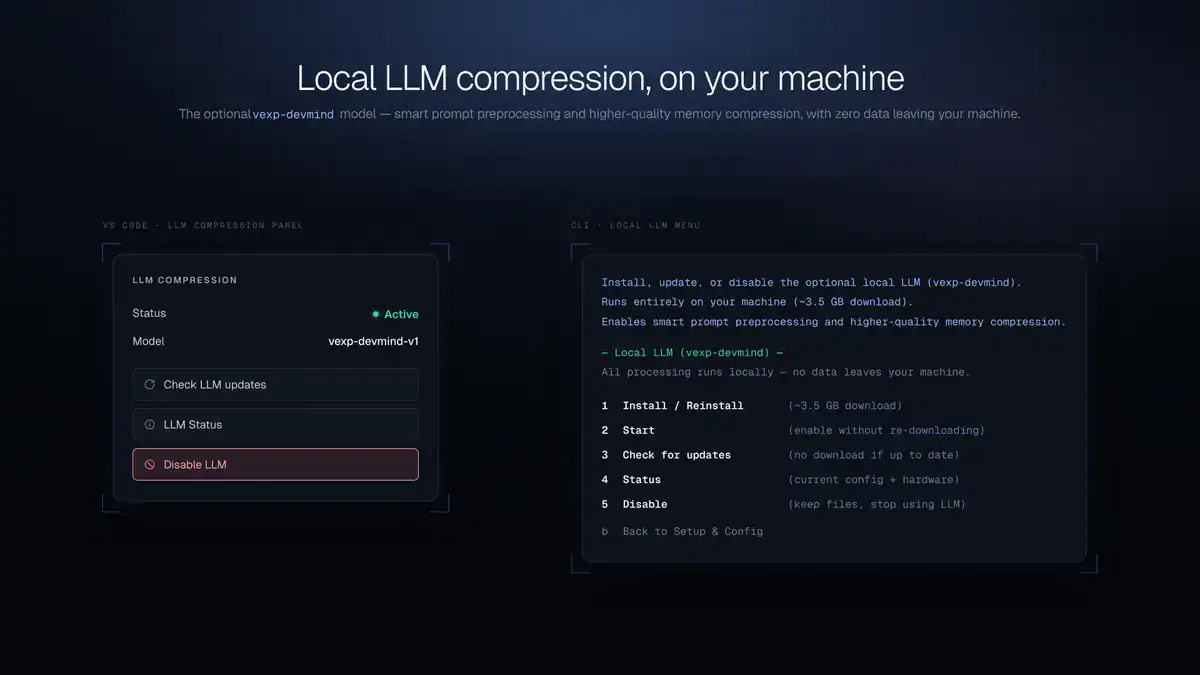
Vexp builds a local dependency graph of your repository — functions, classes, types, and imports — using tree-sitter indexing across 30+ languages. Instead of your agent randomly reading files hoping to stumble on what’s relevant, Vexp hands it exactly the files and symbols it needs for each task, bound to your token budget.
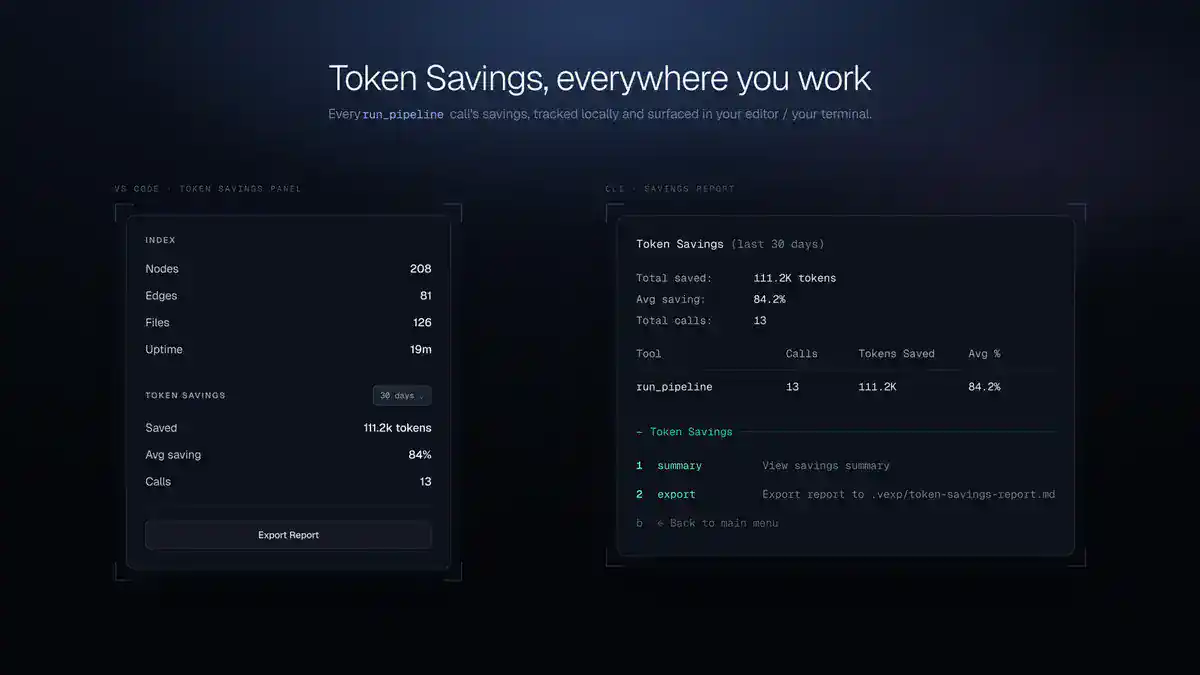
The result: fewer calls, more accurate answers on the first try, and up to 70% less token consumption.
The best part: your code never leaves your machine
Vexp runs 100% locally. Zero network calls, zero cloud storage. The entire index lives in a SQLite file inside your own repo (.vexp/index.db), and secrets are filtered out by default so credentials never make it into the context sent to a model.
For teams working with sensitive or proprietary code, this isn’t a nice-to-have — it’s the difference between confidently adopting AI tools and not adopting them at all.
Plugs into the agent you already use
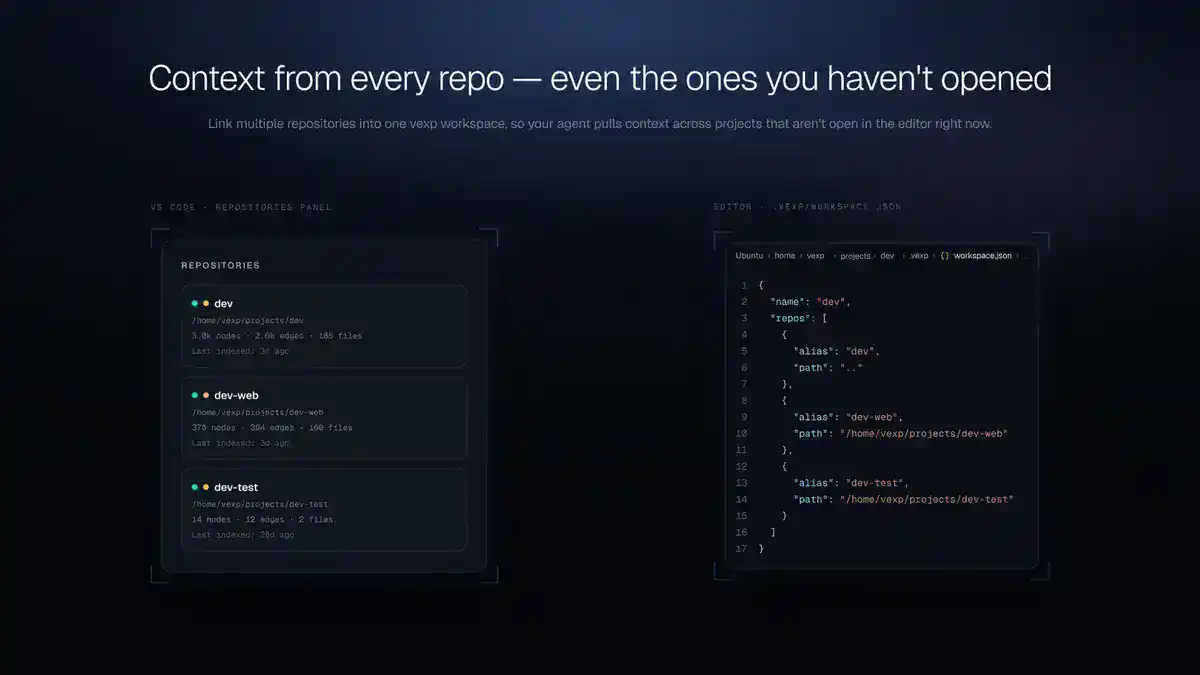
Vexp integrates with Claude Code, Codex, Cursor, Windsurf, and 8 more AI coding agents through a single MCP server. It exposes 11 specialized MCP tools for context search, impact analysis, and logic tracing — and it remembers what your agent already explored in previous sessions, automatically flagging context that’s gone stale when your code changes.
Setup takes minutes: install via the VS Code extension or standalone CLI, with a guided configuration from start to finish.
Who is this for?
Built for developers, SaaS teams, and solopreneurs who rely on AI daily to write code and are tired of burning their token quota on “orientation” instead of actual output.